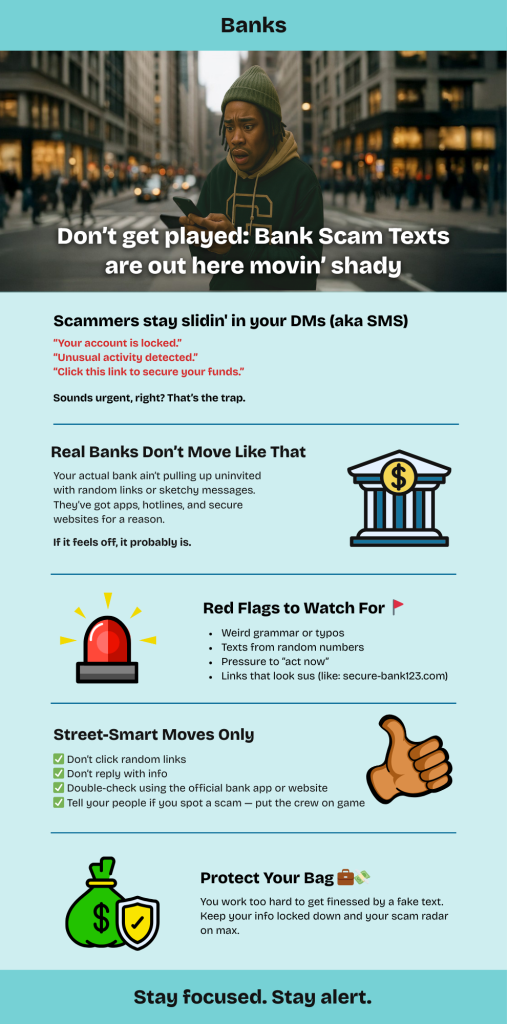
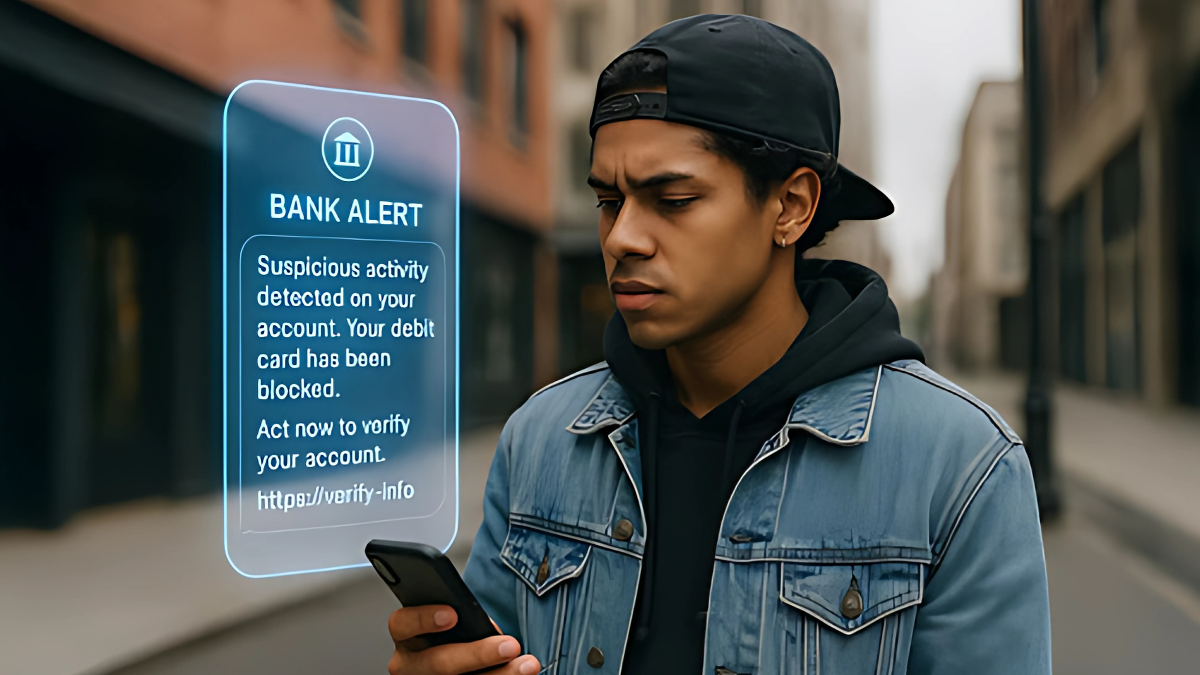
You get a text. It looks like it’s from your bank. Maybe it says there’s suspicious activity on your account, or that your debit card was blocked. There’s even a link to “verify your info.” Looks official, right?
Don’t fall for it.
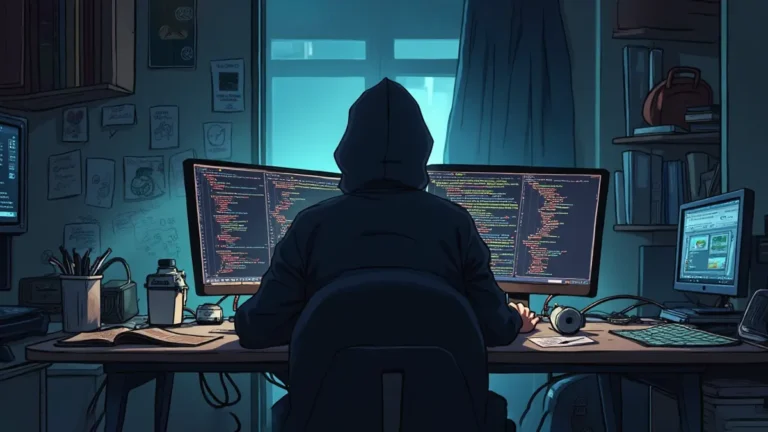
Scammers are getting slick. They’re using real bank logos, professional-sounding language, and even spoofed phone numbers to trick people into giving up sensitive information like PINs, passwords, and account numbers. Some even send fake charts or alerts that look like they came from your bank’s fraud department.
What to Watch Out For:
- Urgent language like “Act now!” or “Your account is at risk.”
- Requests for personal info through text, email, or phone.
- Links to fake websites that mimic real bank login pages.
- Unexpected calls or messages claiming to be “security checks.”
Remember:
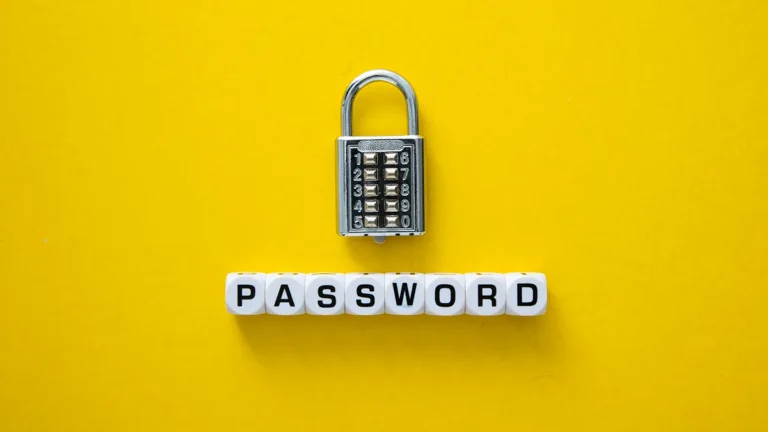
- Banks never ask for your full PIN or password by text, email, or phone.
- If you’re unsure, call your bank directly using the number on your card—not the one in the message.
- Don’t click suspicious links—go directly to your bank’s website or app.
If you’ve already clicked or entered info, contact your bank immediately and change your passwords.
Tip: Screenshot or try to remember the number that called you.
Protect your money. Question 111😀 message.
Even if it looks legit, it could be a scam. Never share your PIN or password by text or phone. When in doubt, contact your bank directly—not through links or numbers in the message. Stay alert, stay safe.